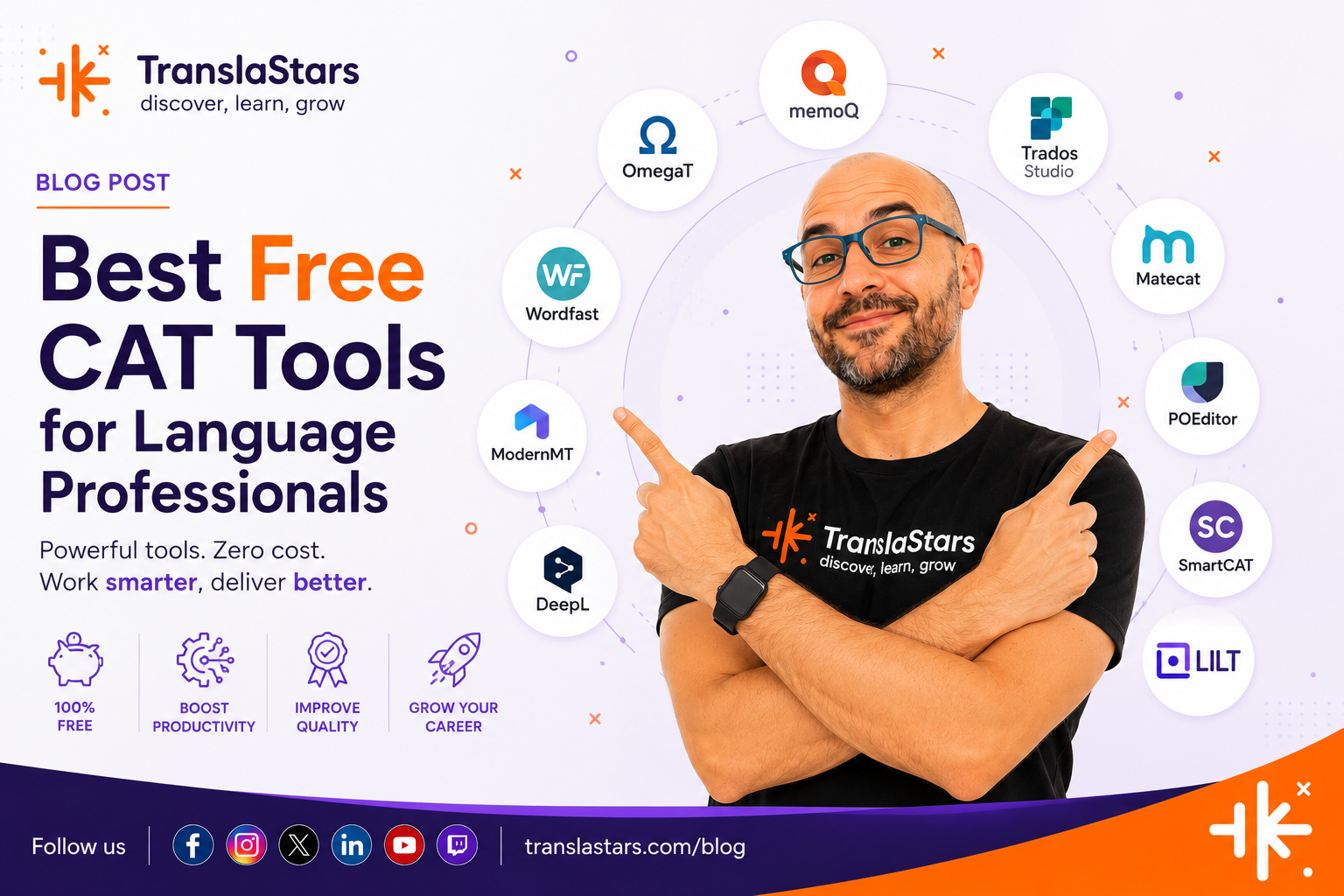
You don't need to spend a fortune on #CAT tools to deliver professional work. OmegaT, MateCat, Smartcat, Crowdin, Wordfast Anywhere, Poedit, Anaphraseus, we tested each one in real translation scenarios so you know what works and what doesn't. Whether you are a freelancer starting out, a student building your toolkit, or an agency evaluating options, this guide has you covered. 𝗛𝗼𝗻𝗲𝘀𝘁 𝗰𝗼𝗺𝗽𝗮𝗿𝗶𝘀𝗼𝗻𝘀, 𝗿𝗲𝗮𝗹 𝗽𝗿𝗼𝘀/𝗰𝗼𝗻𝘀, and practical FAQs including MT integration, QA features, and file format support. No fluff, just what actually works in 2026.
20 July, 2026 / Alfonso González Bartolessis
TranslaStars Free resources Free Resources for Translators Free Translation Tools CAT tools
Getting started with professional translation work does not require a huge upfront investment. There are powerful free CAT tools that can handle everything from simple document translation to complex project workflows, all without spending a single euro.
In this guide, we compare the best free CAT tools available in 2026. Whether you are a freelancer watching your budget, a student building your toolkit, or an agency evaluating options before scaling, these tools will get the job done.
Note: "Free" does not mean "limited." The tools below are either fully open-source or have generous free tiers that support real professional work. We tested each one for real-world translation scenarios.
1. In This Guide
1. OmegaT
| Ω | OmegaT — The Open-Source Standard |
| Platform: Desktop (Windows, macOS, Linux) • License: GPL • Price: Free forever | |
Pros
|
Cons
|
2. MateCat
| MC | MateCat — Web-Based and Instant |
| Platform: Web • License: Free • Price: Free (MyMemory API limitations on very high volume) | |
Pros
|
Cons
|
3. Smartcat
| SC | Smartcat — All-in-One Platform for Freelancers |
| Platform: Web + Desktop • License: Freemium • Price: Free tier for freelancers | |
Pros
|
Cons
|
4. Crowdin
| Cr | Crowdin — Developer-Friendly Localization |
| Platform: Web • License: Freemium • Price: Free for open-source; free 14-day trial for others | |
Pros
|
Cons
|
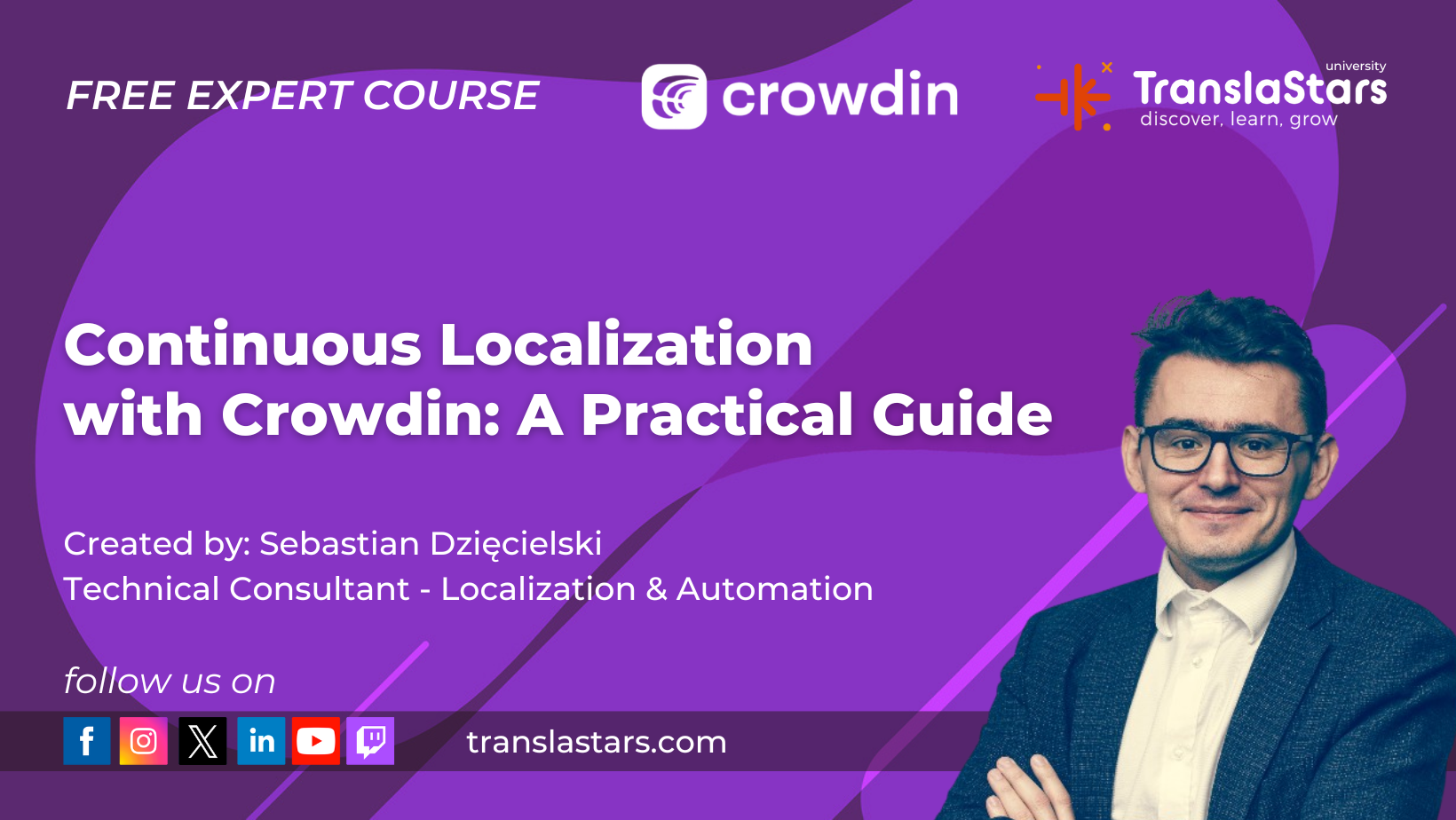
Continuous Localization with Crowdin - Free course on TranslaStars. Build automated workflows from day one.
5. Wordfast Anywhere
| WA | Wordfast Anywhere — Lightweight and Familiar |
| Platform: Web • License: Free • Price: Free with usage limits | |
Pros
|
Cons
|
6. Poedit
| PE | Poedit — The Gettext Specialist |
| Platform: Desktop (Windows, macOS) • License: Freemium • Price: Free basic version; Pro version unlocks more features | |
Pros
|
Cons
|
7. Anaphraseus
| An | Anaphraseus — CAT in LibreOffice |
| Platform: Desktop (Windows, macOS, Linux) • License: GPL • Price: Free forever | |
Pros
|
Cons
|
8. Which Tool Is Right for You?
Choosing the right free CAT tool depends on your workflow, specialization, and technical comfort level.
|
📄 Document Translator |
Best choice: OmegaT or MateCat. OmegaT handles DOCX, XLSX, and IDML natively with full TM support. MateCat is great for quick turnaround on office documents without installing anything. |
|
💻 Software Localizer |
Best choice: Poedit or Crowdin. Poedit is essential for PO files. Crowdin integrates directly with GitHub/GitLab for continuous localization workflows. |
|
🌐 Collaborative Team |
Best choice: Smartcat or MateCat. Both support real-time collaboration. Smartcat's free tier includes client invitations. MateCat allows sharing projects with reviewers. |
|
📚 Student / Learning |
Best choice: OmegaT or Wordfast Anywhere. OmegaT is great for learning CAT concepts without limits. Wordfast Anywhere is easy to pick up with zero setup. |
9. FAQ
9.1. Are free CAT tools really usable for professional work?
Absolutely. OmegaT and Smartcat (free tier) are used by thousands of professional translators worldwide. The main difference from paid tools is often interface polish, not core functionality.
9.2. Can I use these tools with clients who use paid tools?
Yes, as long as you can exchange files in standard formats like TMX (for translation memories) and XLIFF (for bilingual files). OmegaT also supports SDL Trados-compatible file exchange through plugins.
9.3. Which tool has the best machine translation integration?
MateCat and Smartcat offer the smoothest MT integration out of the box. Both connect to DeepL, Google Translate, and other engines. OmegaT supports MT but requires manual configuration.
9.4. Do free tools include quality assurance features?
MateCat includes QA checks for inconsistent terminology, number mismatches, and tag errors. Smartcat has built-in QA. OmegaT's QA is available through plugins or externally with XBench (also free).
9.5. Can I use a free CAT tool alongside paid ones?
Yes. Many translators use OmegaT as a backup when traveling, or MateCat for quick small projects that do not justify opening their main tool. The TMX format ensures your translation memories remain compatible across tools.
9.6. Where can I compare more tools or find help choosing?
Use the CAT Tool Recommender to get AI-powered recommendations based on your workflow, budget, and feature needs. Or use the Side-by-Side Comparator to compare any tools instantly.
10. More Free Resources on TranslaStars
Choosing the right CAT tool is just one step. Here are other free tools from TranslaStars:
- CAT Tool Recommender - AI-powered tool matching based on your needs
- CAT Tool Comparator - Compare tools side by side across all features
- Localization Job Board - Aggregated translation and localization jobs from LinkedIn, Indeed, and more
- Localization Industry News - Daily AI, translation and language industry news
- Free Courses - 30+ free courses with certificates

Master CAT tools and localization workflows with expert-led courses on TranslaStars.
Take your CAT skills further.
Whether you want to learn Continuous Localization with Crowdin, master AI-assisted workflows, or build automated localization pipelines, TranslaStars has a course for you.
#FreeCATtools #CATtools #freetranslationtools #OmegaT #Smartcat #translatorresources #TranslaStars